How to create a secure prefill link for Google Forms?
"What's the best way to track individual respondents to a single Google Form?"- Quora
This is a common question from people who send one form to many people. For example, you might send a renewal form to your customers. You need to know whose answer is whose and they do not like typing details you already have. A Google Forms prefill link fills them in, but the values are passed via url parameters, where anyone who sees the link can read them. With Formfacade, you can create secure prefill links without exposing the values on url. Each customer will see their own details on the form and none of them in the link. Even better, you can sync the responses to Google Sheets with the details you prefilled, so you always know whose answer is whose.
Let's start. Create your form and follow the steps below.
Create secure prefill links using Formfacade
- On the page that opens, name your form, click Create form and click Proceed.
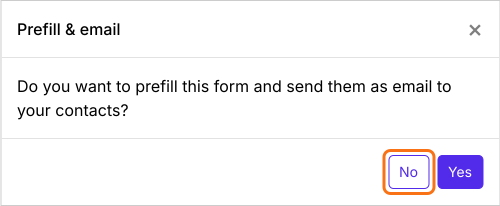
- You will land on the form's "Edit" tab, with the "Prefill & email" dialog open. It asks "Do you want to prefill this form and send them as email to your contacts?". Click No.
- Click on "Share" tab

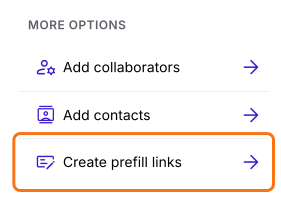
- Click Create prefill links under More options
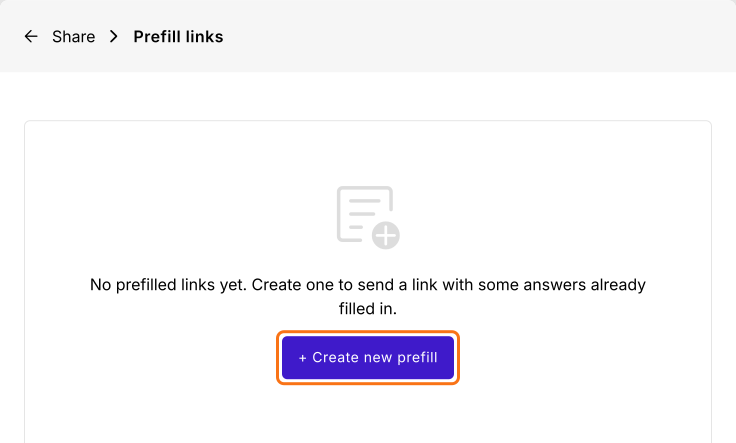
- Prefill links page will be displayed
- Click + Create new prefill
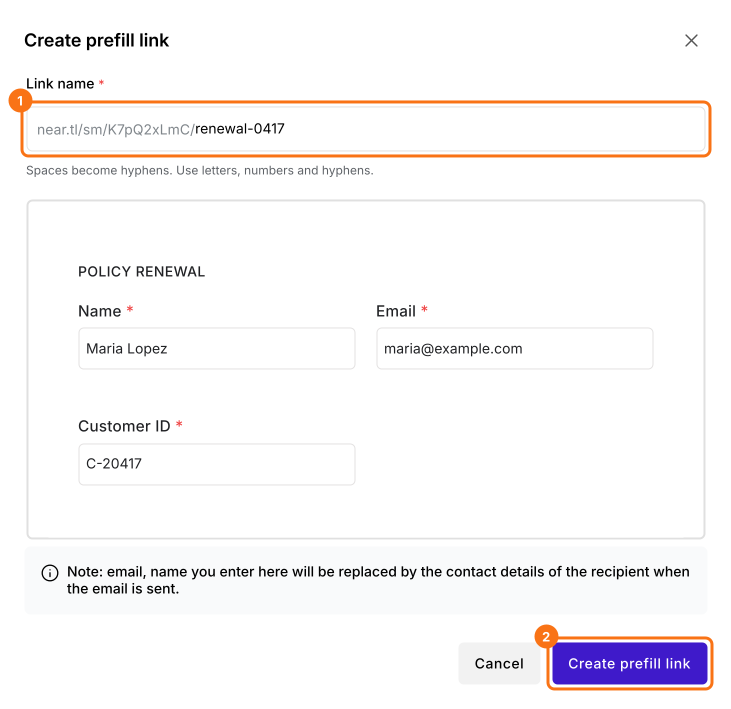
- Enter the unique name for the link
- Enter the answers for the fields to be prefilled
- Click Create prefill link. The dialog's note says that email and name are replaced by the contact's details when an email is sent. On this link, they stay as you typed them.
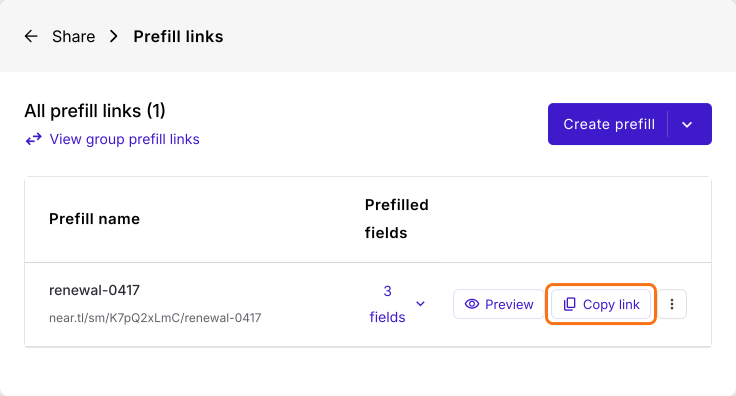
Click Copy link and send it to your customer. The link shows only the link name, without exposing the values on url.
By default, all the fields in the form are editable. You can customize the appearance of the fields to make it read only or hidden. You can also mark the fields as protected health information (PHI) to secure sensitive data and limit access to PHI when exporting the data.
Summary
If you send a form to your customers, you need to know whose answer is whose and a Google Forms prefill link passes their details via url parameters. With Formfacade, you create a secure prefill link for each customer and your form opens with their details filled in, without exposing the values on url. Create your form and complete the steps above.
Last updated: