How to autofill Google Forms with data from Google Sheets?
"Trying to auto-populate sections of a google form using data from a G-Sheet."- Google Docs Editors Community
This is a common question from Google Workspace users who already keep their customers in Google Sheets. For example, you might send a form to each of your customers, it has to go out on time and their details are already in your Sheet. Google's Pre-fill form makes one link at a time, so doing it for every customer takes hours and a script needs someone who can write it. With Formfacade, you can upload your customer data to Google Sheets and create prefill links in bulk to autofill Google Forms. Each customer will open their own link and see their details already filled in. Even better, you can mark those details as read only, so they stay correct.
Let's start. Create your form and follow the steps below.
How to create prefill links in bulk?
- On the page that opens, name your form, click Create form and click Proceed.
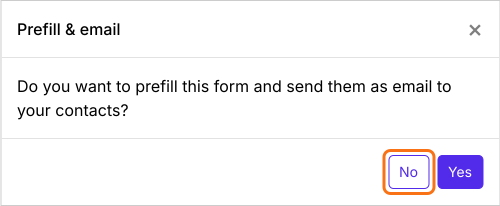
- You will land on the form's "Edit" tab, with the "Prefill & email" dialog open. It asks "Do you want to prefill this form and send them as email to your contacts?". Click No.
- Click on "Share" tab

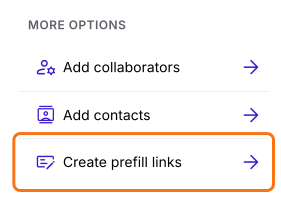
- Click Create prefill links under More options
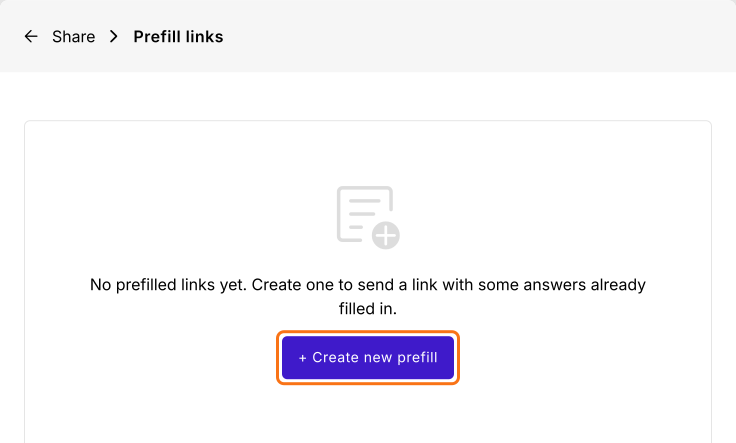
- Prefill links page will be displayed
- Click + Create new prefill
- Create your first prefill link: enter the unique name for the link and click Create prefill link
- Click Create prefill
- Click Import prefill
- Click View Sheets
- Google Sheets will open in a new tab
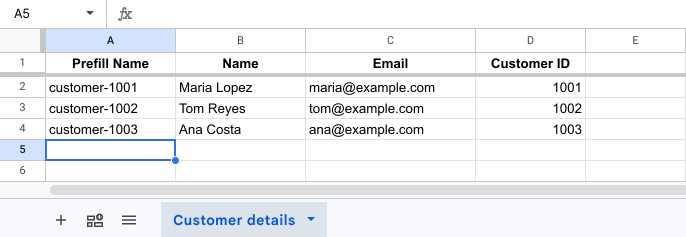
- Enter the Prefill Name, email and name for all the customers
- The first time, click Extensions > Add-ons > Get add-ons, search for "Formfacade - Prefill & email" and click Install
- Click Extensions
- Click Formfacade - Prefill & email
- Click Import prefill
- Verify and click Proceed
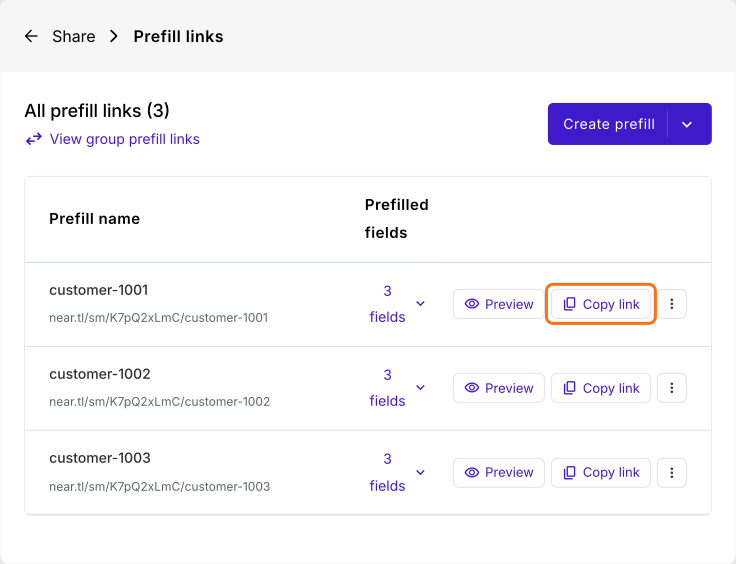
Formfacade automatically generates new prefill links based on the data entered in Google Sheets. The generated prefill links will be displayed in the Prefill links page.
Summary
If your customers' details are already in a Sheet, typing them into a link for each person takes hours and a script needs someone who can write it. With Formfacade, you enter the data in Google Sheets and it automatically generates a prefill link for each person. Create your form and complete the steps above. If you have any questions, write to support.
Last updated: