How to rename the files synced to google drive?

"Create Google Drive folders and rename documents from Google Forms responses"- Google Docs Editors Community
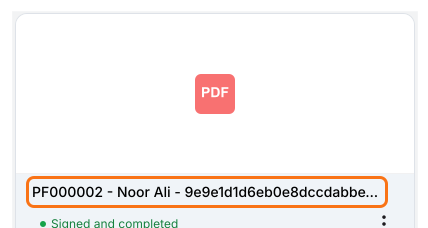
This is a common question from Google Forms users who file signed forms in Google Drive. For example, a safety officer asks for one worker's forklift training record and they want it now. Google Forms only keeps the answers, so it won't give you a file with the worker's name on it. Looking through boxes of paper can take hours and a folder of files named only with a unique id is not much faster, because you have to open them one by one. With Formesign, you can configure the key fields in the form to automatically include the respondent name or email in the file name when the files are synced to your google drive. Even better, you can find every new record by searching Google Drive for the worker's name.
Let's start. Create your form and follow the steps below.
How to rename the files?
- Click on Create your form, click Enter your form name, type the name and click Generate
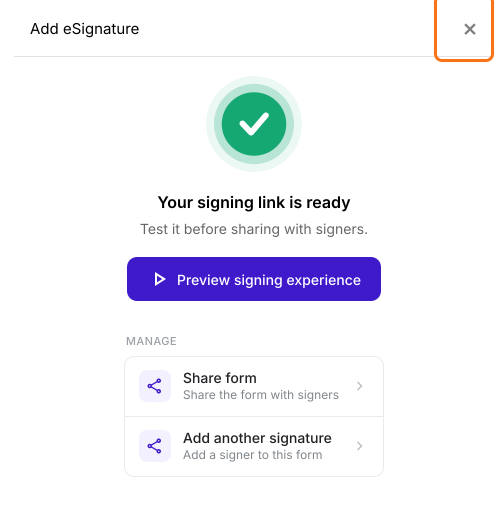
- It takes about a minute. Check the outline and click Proceed. You will land on the form's "Edit" tab, with the "Add eSignature" dialog saying "Your signing link is ready". Close it.
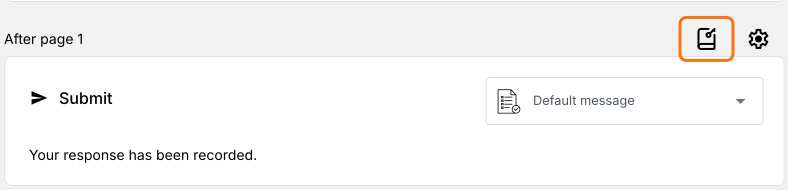
- Scroll to the end of the form. Click on the configure key fields icon, the notebook in the last After page row
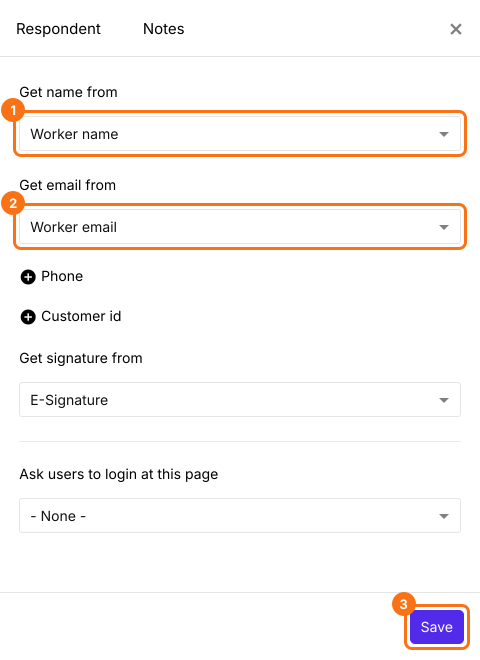
- The Respondent panel will be displayed. Check Get name from and Get email from. They can start on the wrong person, so select the relevant fields. If Get email from is not shown, click + Email.
- Click Save
Summary
Last updated: