Email notifications are not working. How can I fix this?
"I am not receiving email notification when responses are submitted"- Support forum
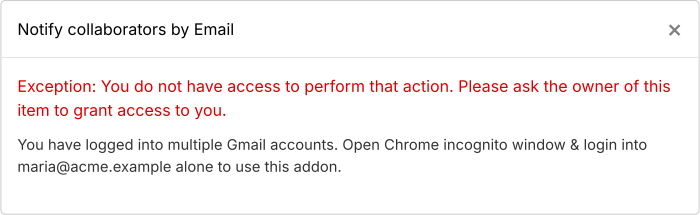
This is a common question from Formfacade users who have just set up email notifications for their form. If the emails do not arrive, you only find out when a customer or a collaborator complains. This can happen when you are signed into more than one gmail account in the same browser. Please open an incognito window, sign in with your gmail account used to install the add-on (make sure that you haven't signed in with any other gmail account) and try to use the add-on. It should work.
Error when trying to setup email notifications when signed into multiple gmail accounts
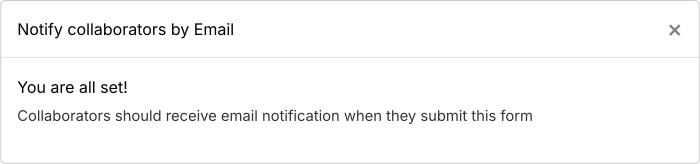
Email notifications enabled when signed in with only the gmail account used to install the add-on
If you set up the email from the "Responses" tab and the test email does not arrive, click on the NO button. It will say "Repaired email notification". Click on "Click here" to submit a response again. If it still does not work, click Get support.
Summary
If your email notifications are not working, the email triggers may not have been set up properly. With Formfacade - Email notification, you open an incognito window, sign in with only the gmail account used to install the add-on and try again. If you have any questions, write to support.
Last updated: